08:45
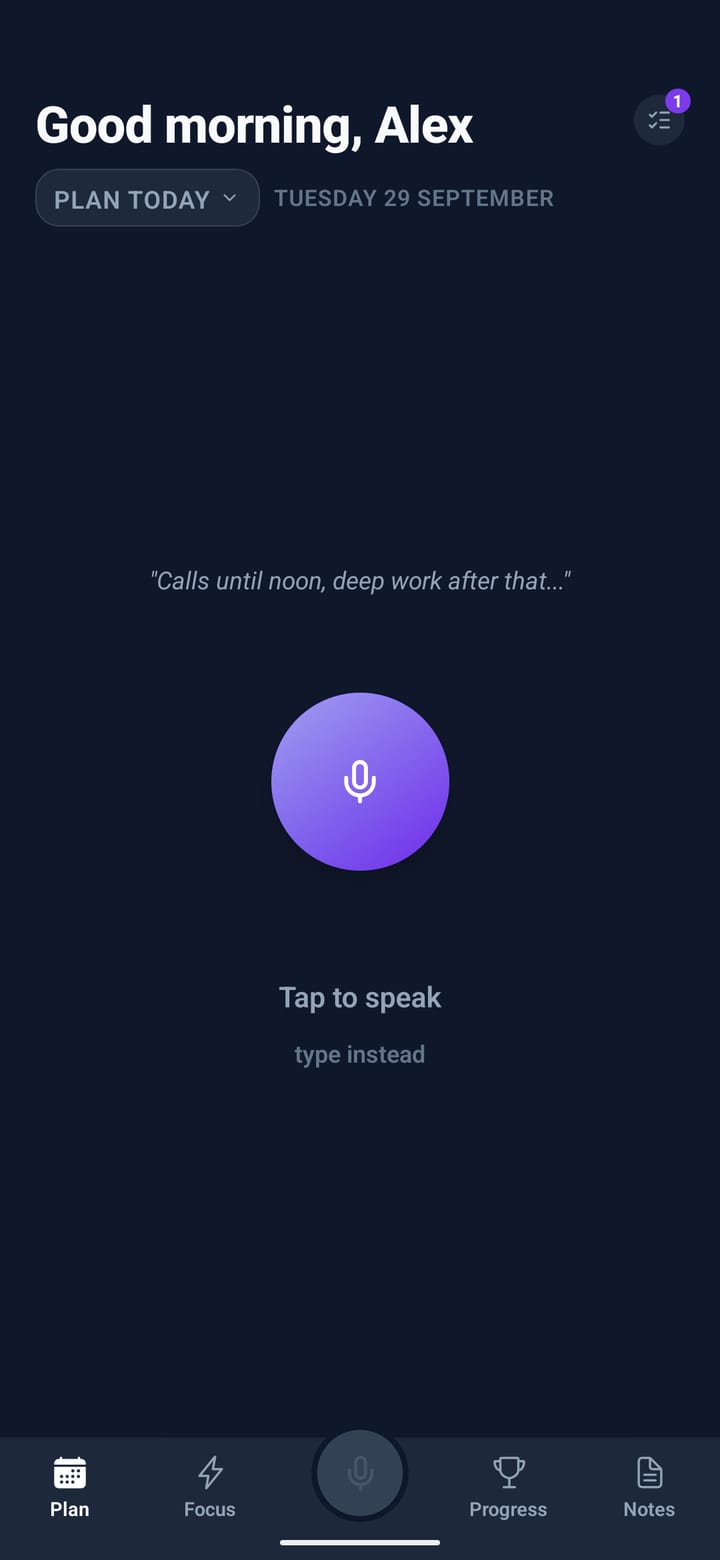
Say it
Tap the mic and talk for a minute. Meetings, errands, the thing you keep forgetting, in any order. Rather type? Hold the mic instead.
For people who’d rather talk than type
Stop staring at a blank page every morning. Say what’s on your mind and Priority One turns it into a clear, time-blocked day, then plays it with you one block at a time.


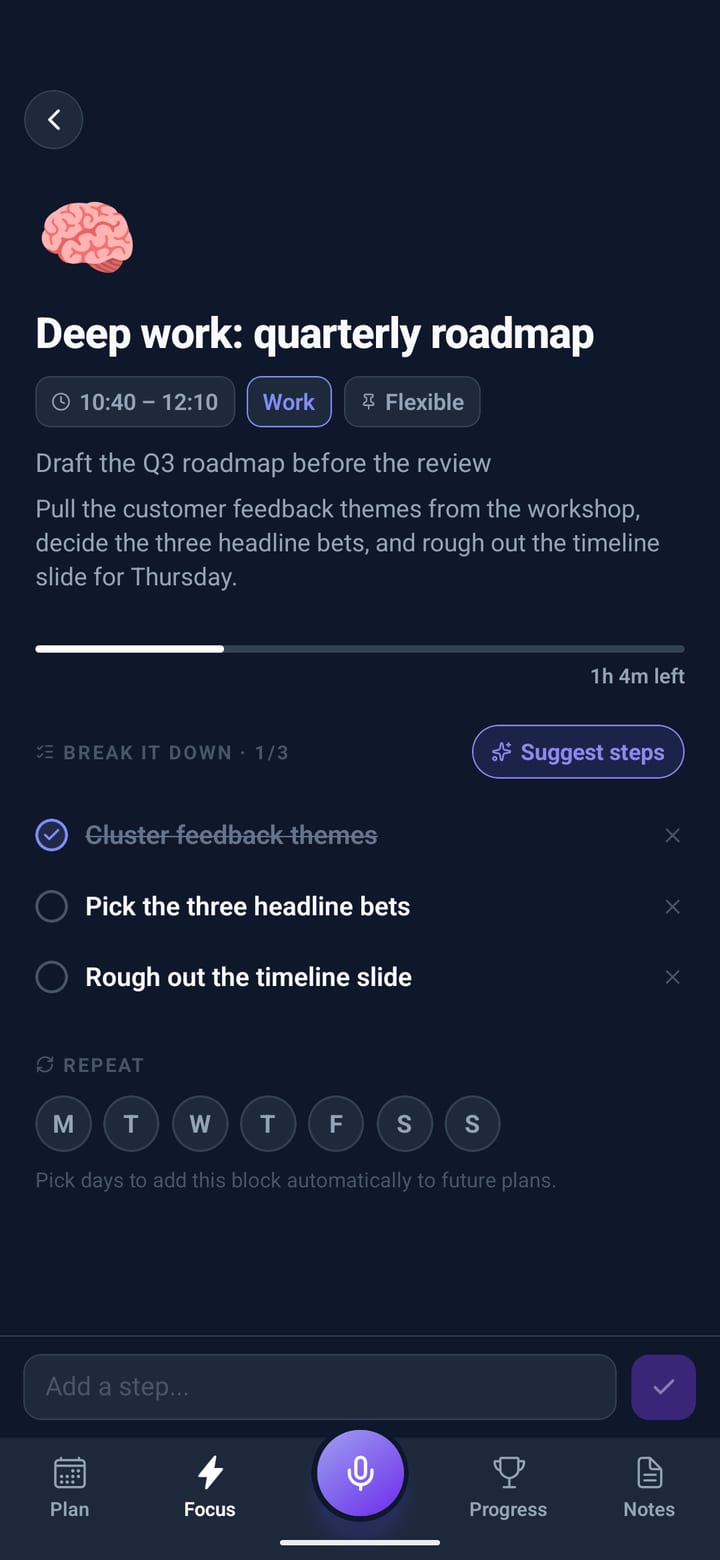
“Standup at eleven, that’s fixed. Deep work on the roadmap this morning, lunch with Sarah at one, and I need to clear my inbox before the board slides. ”
Scroll and the day goes by. The bar at the bottom keeps score the way the app does, and your companion has something to say about it. Points only ever go up.
Tap the mic and talk for a minute. Meetings, errands, the thing you keep forgetting, in any order. Rather type? Hold the mic instead.
Fixed things stay fixed and everything else is placed around them, with room to breathe. The little ones, water and vitamins, wait at the top for a tap.
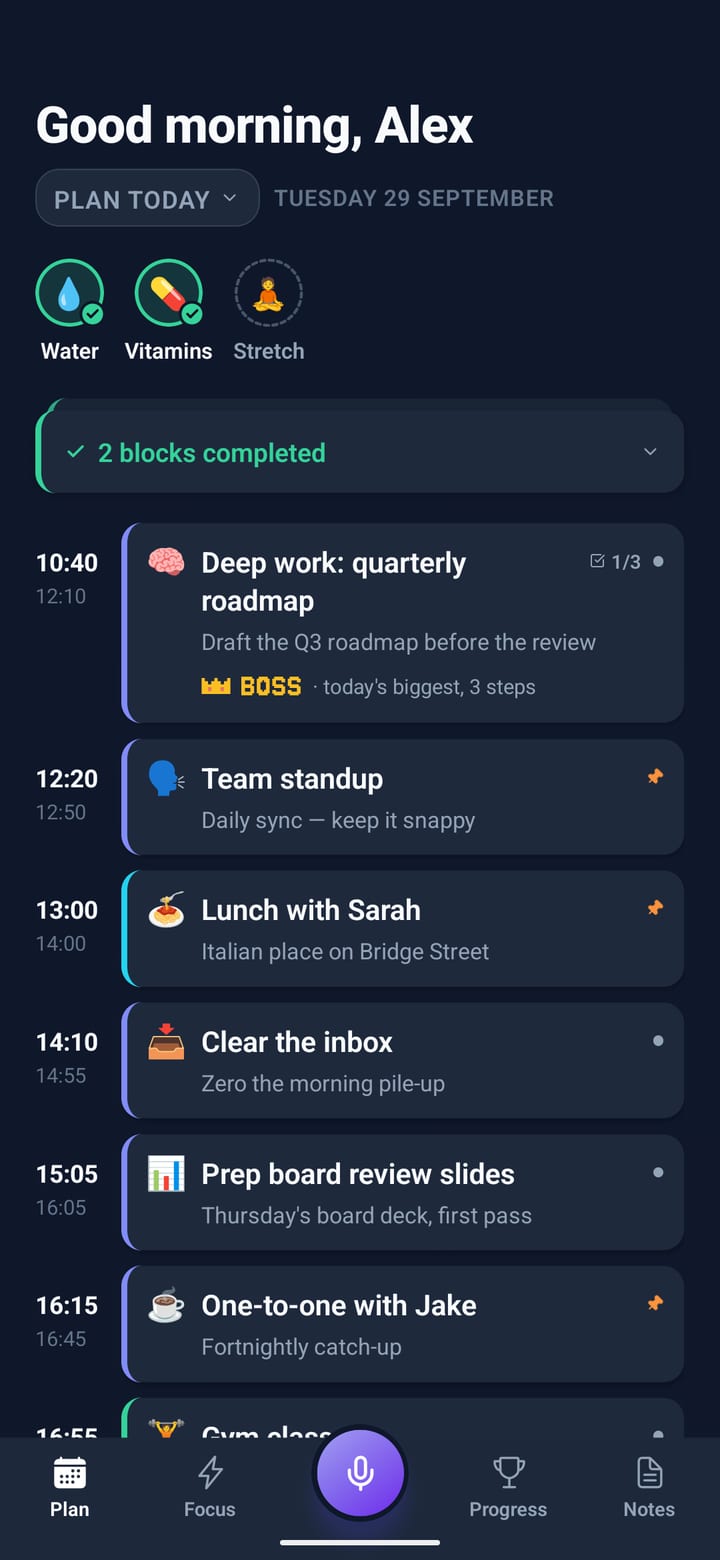
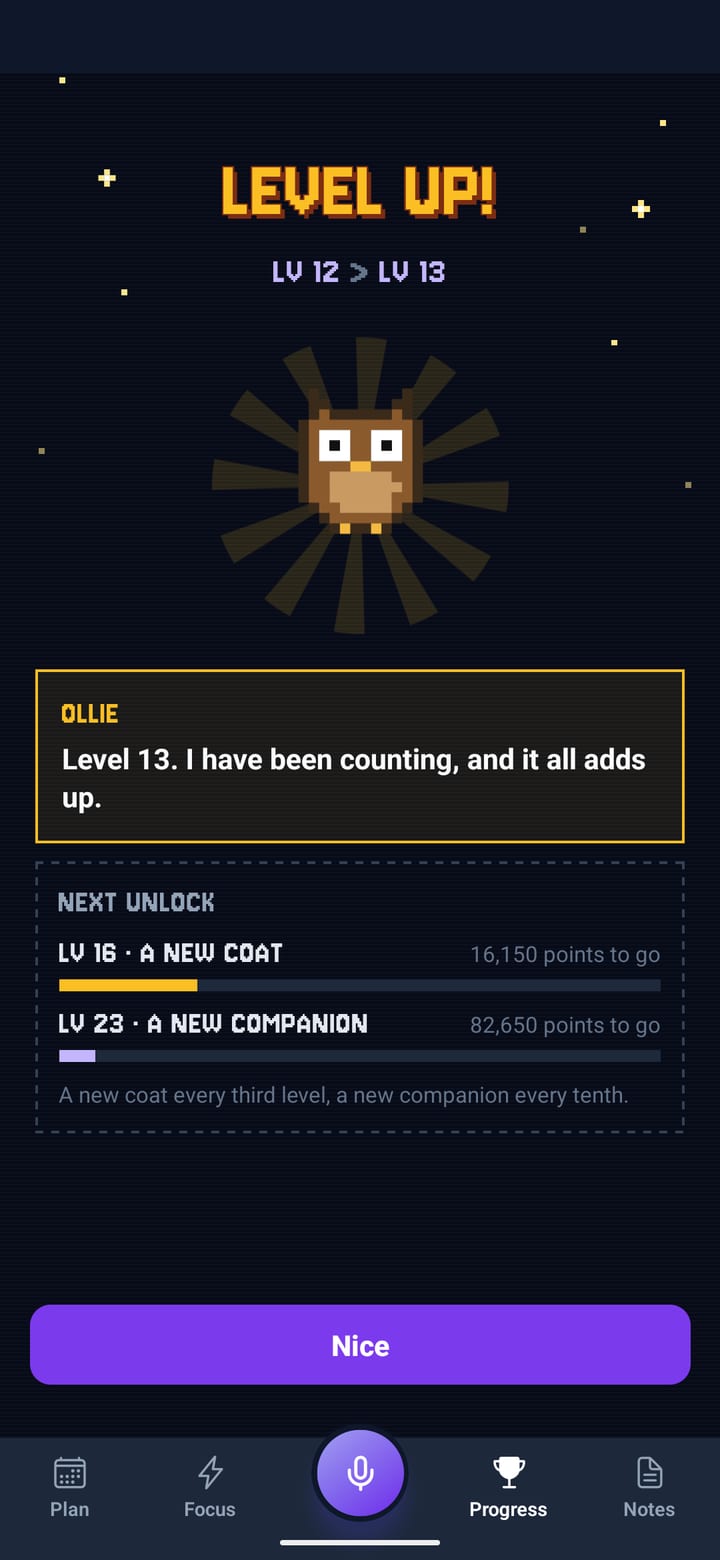
Tick a block and it scores: more for finishing in its slot, a combo for keeping to the order. Points only ever go up. Not your thing? Switch the game to Calm.
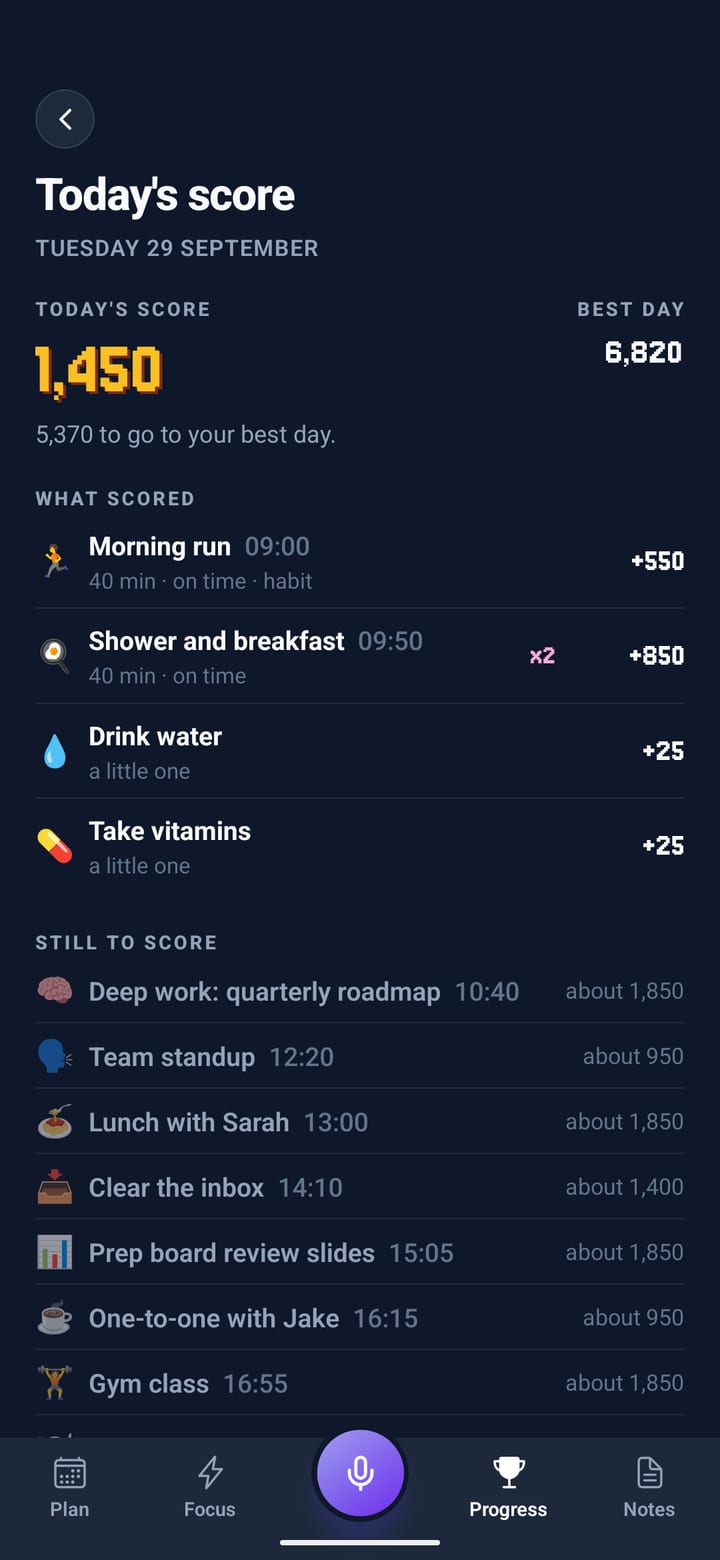
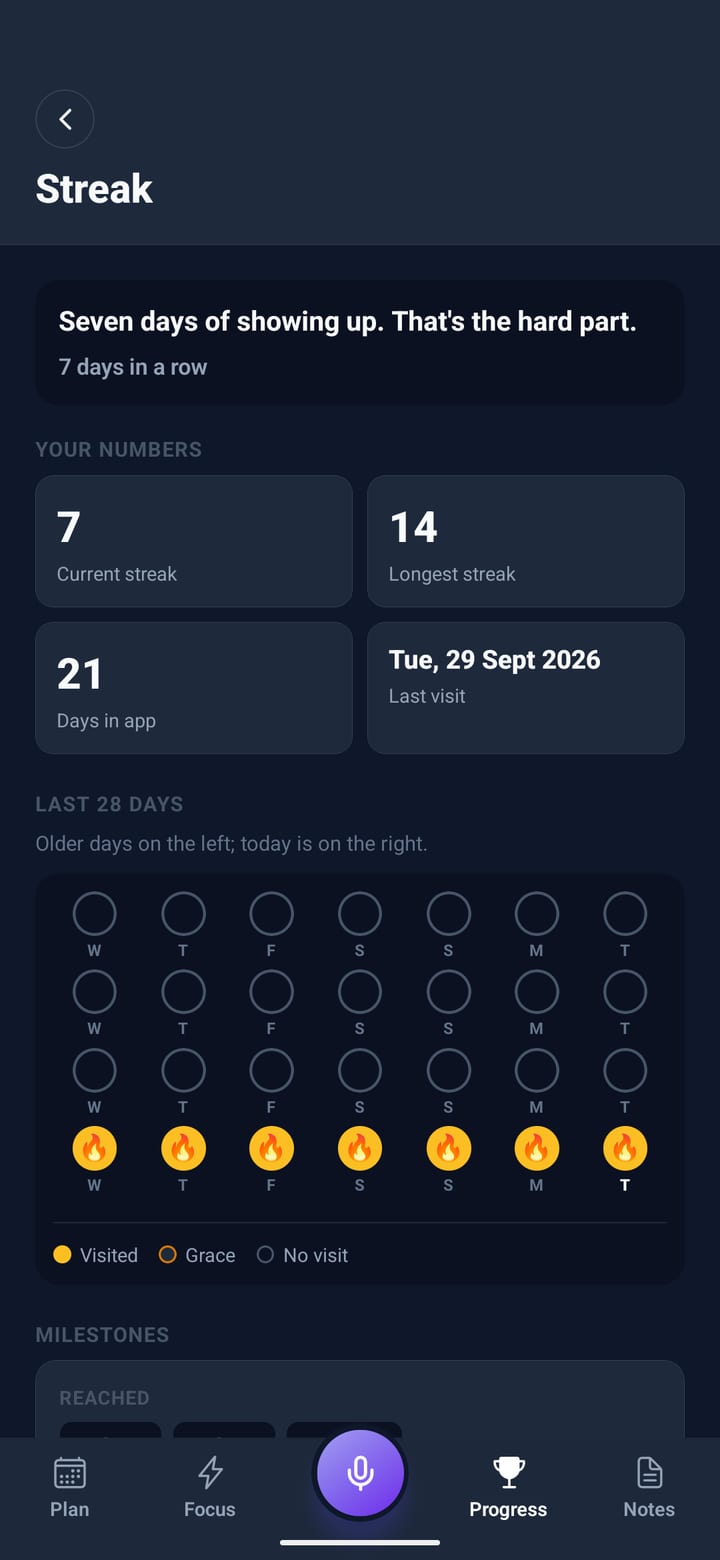
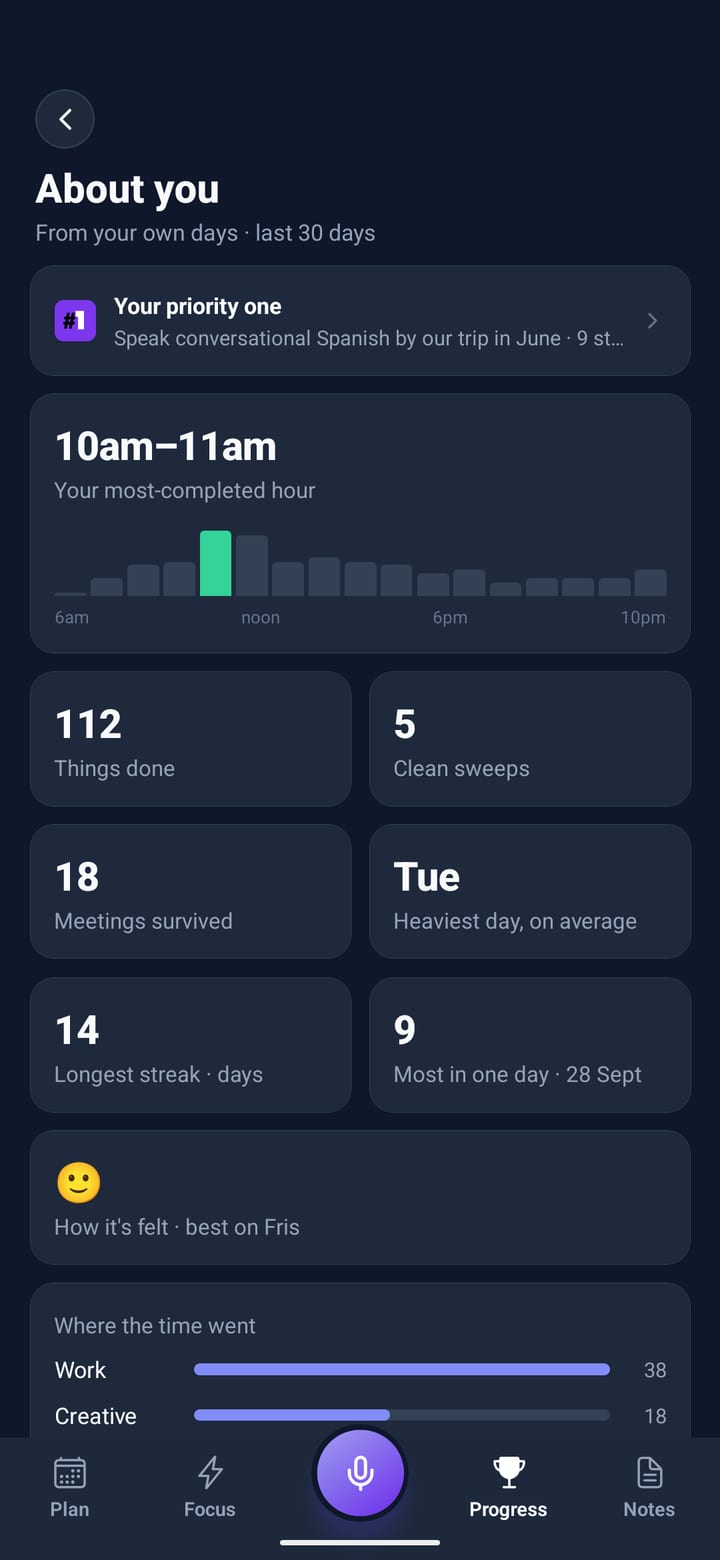
Progress shows your streak, the day as a strip of blocks, the next step toward your priority one and how your habits are doing this week.
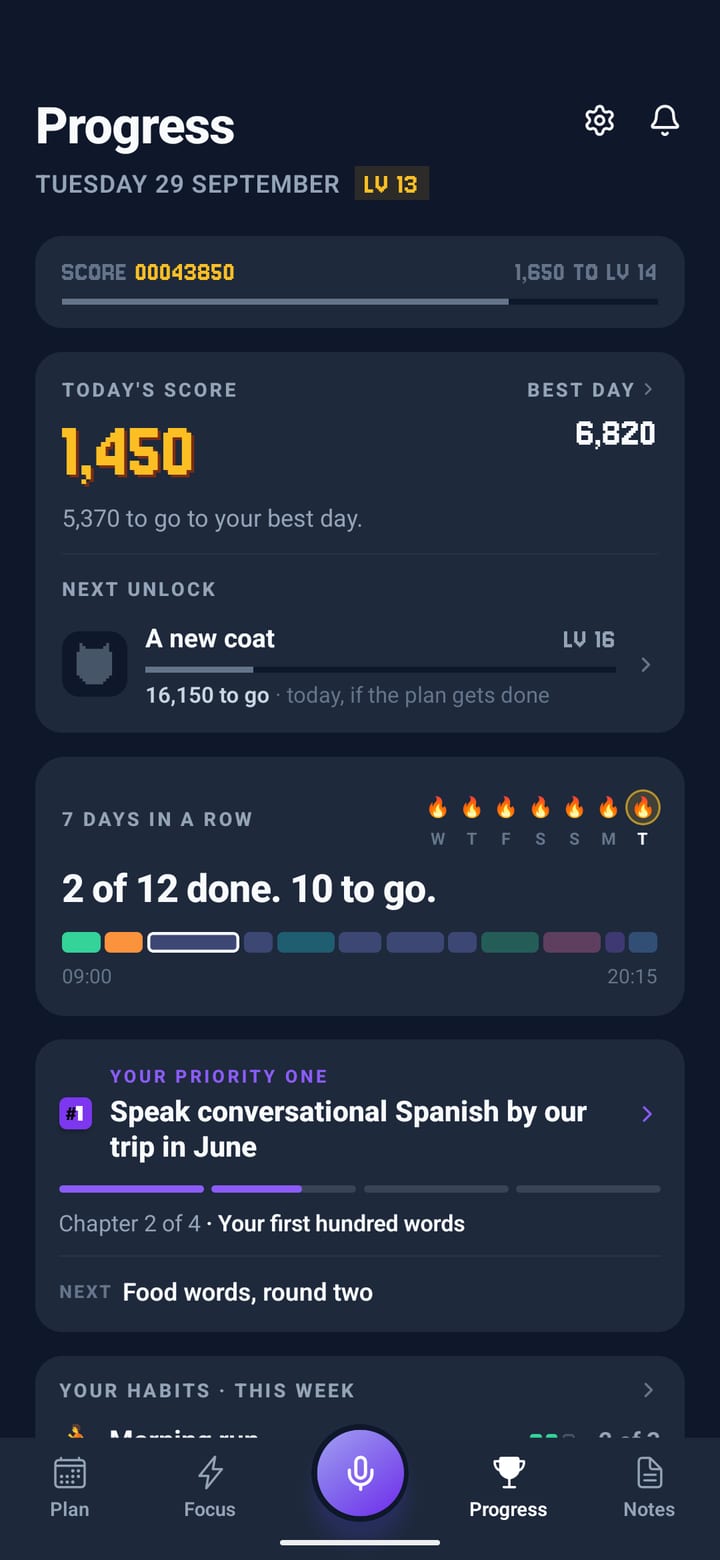
Focus shows the block you’re in and nothing else. Done, Later or Horizon. The biggest block of the day wears a crown: it’s the boss.
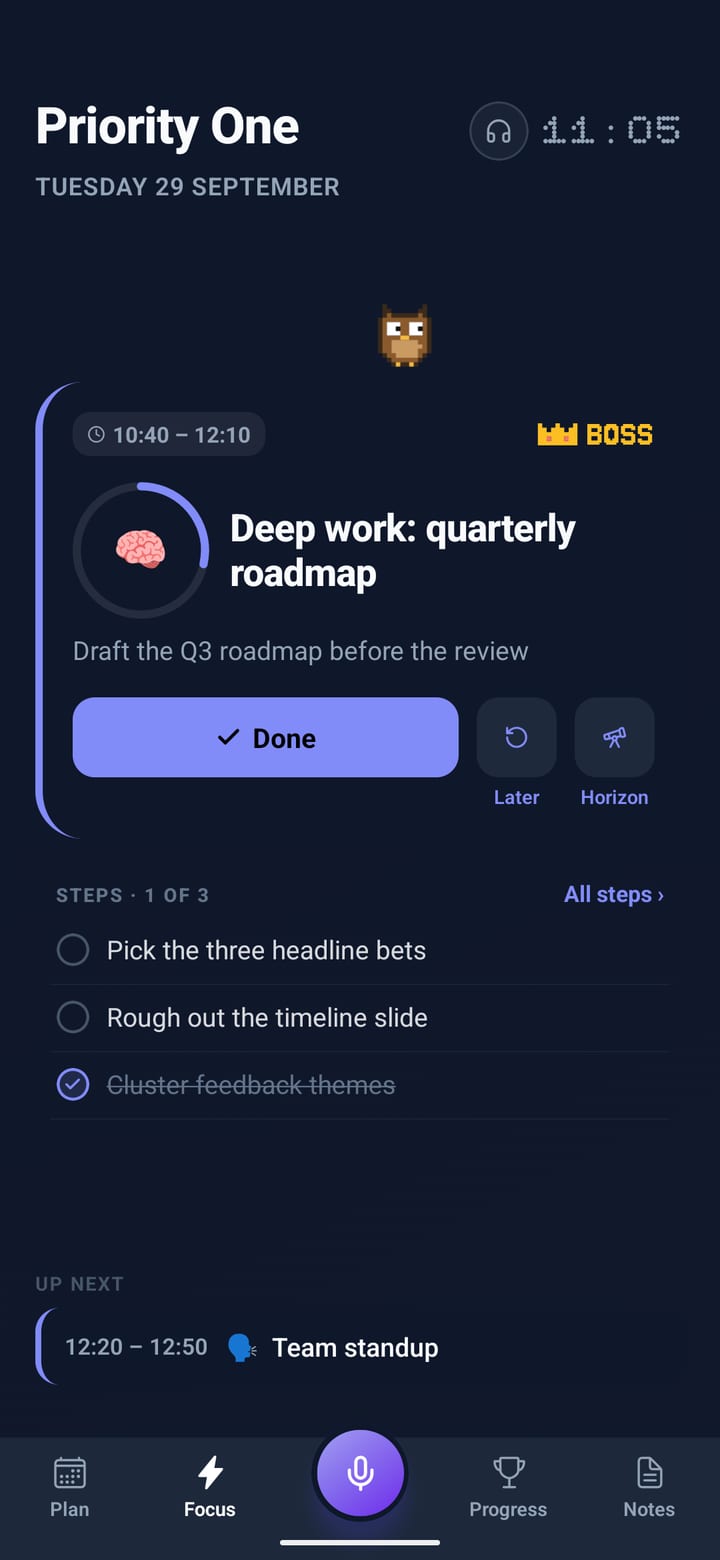
Tap the clock: match the block, a Pomodoro or a countdown. The card drains as the minutes go, and your companion keeps you company above it.
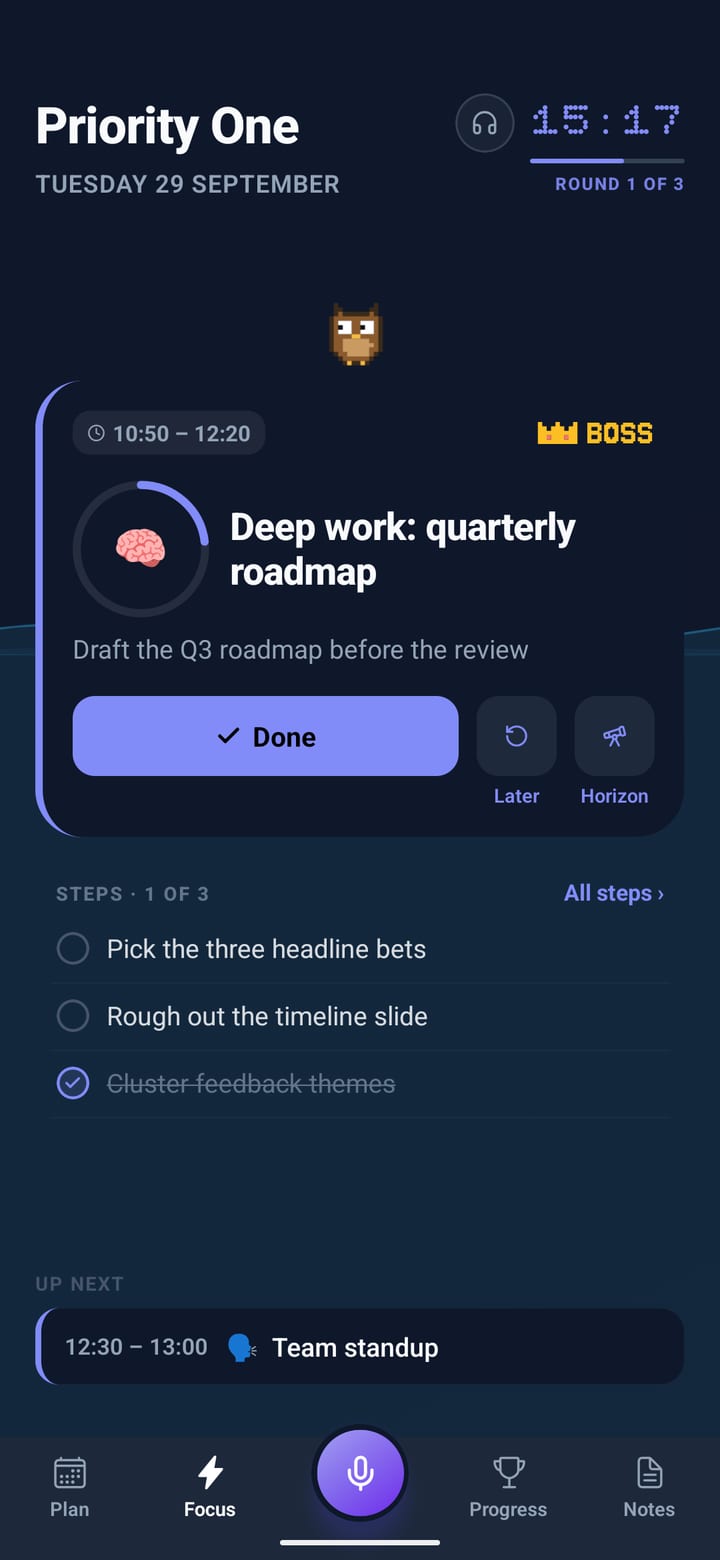
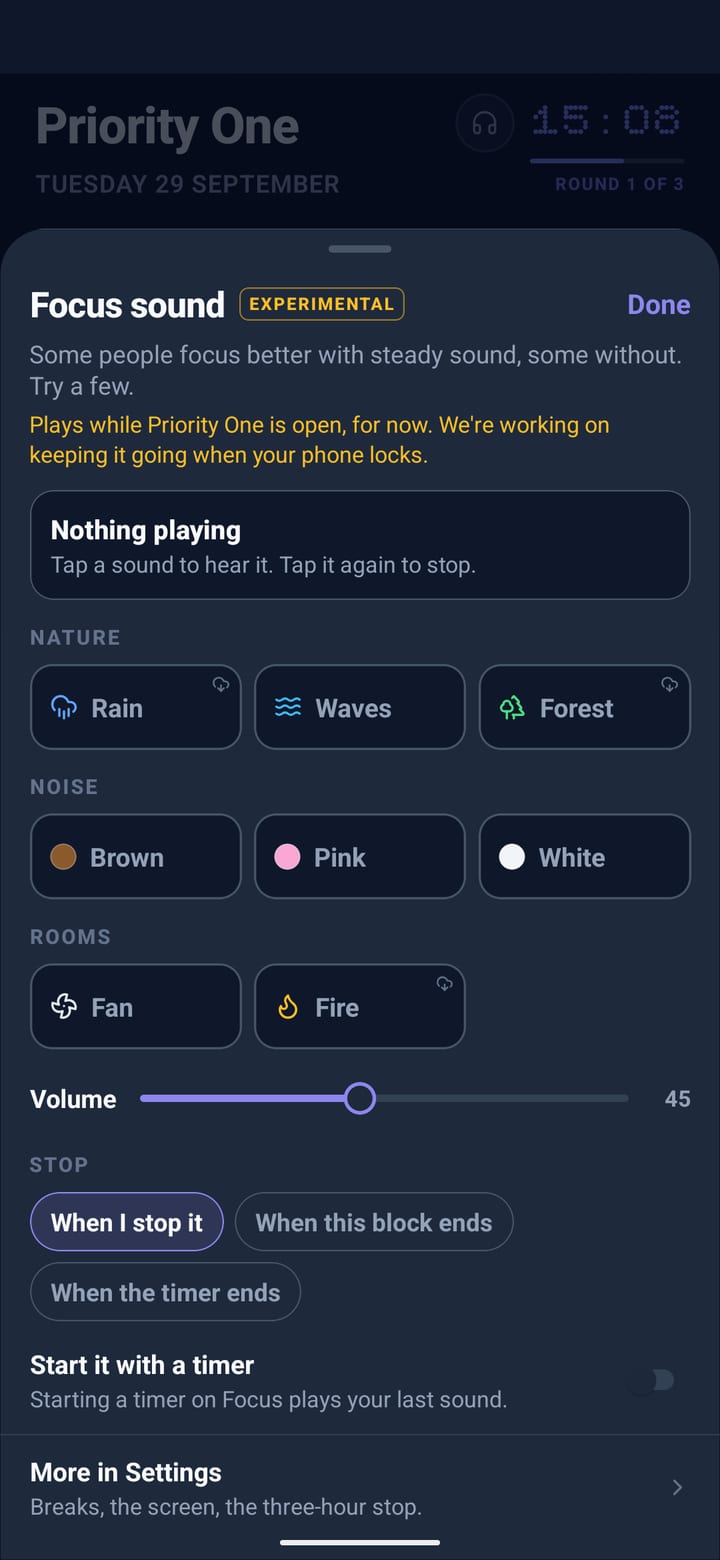
Recorded rain, waves, forest and fire, a fan, or brown, pink and white noise, while the app is open. Some people focus better with steady sound, some without.
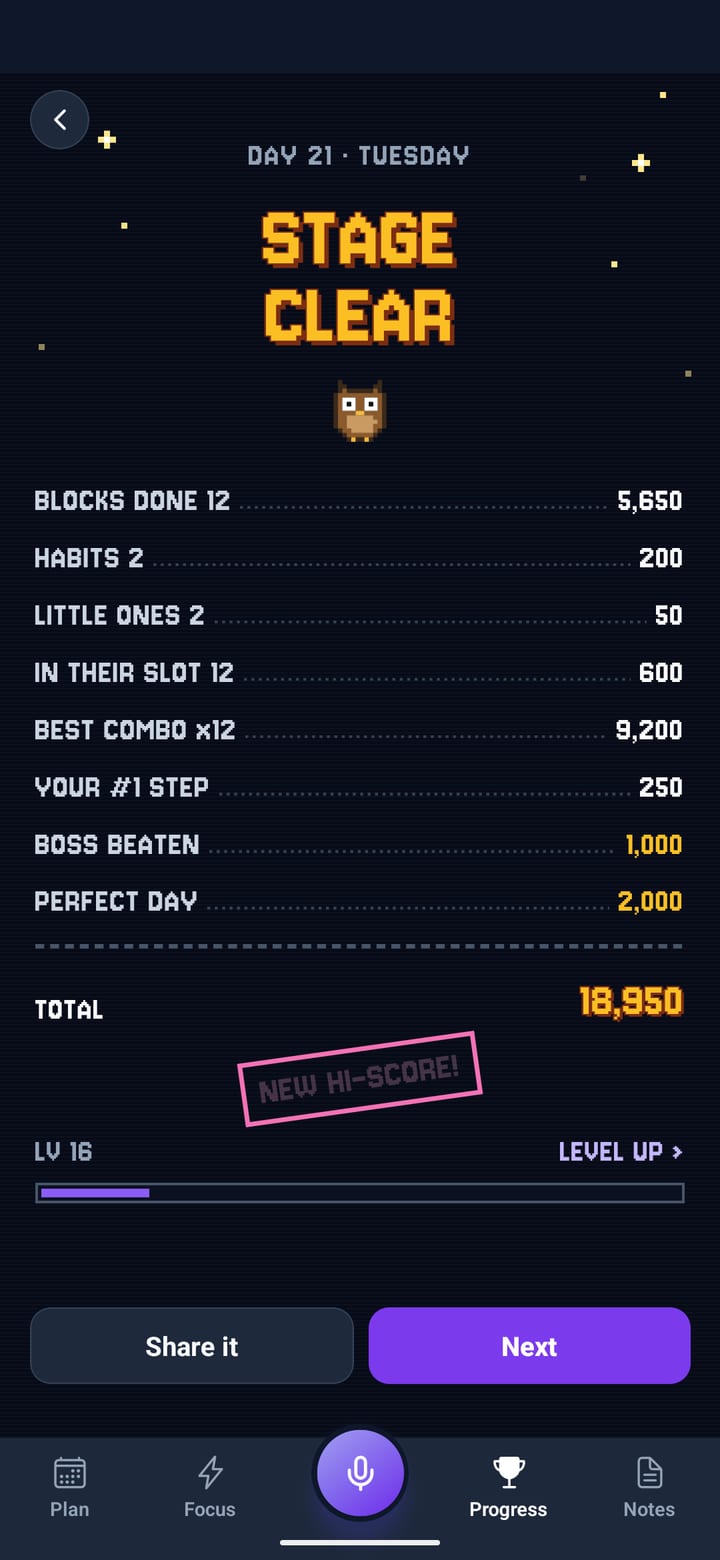
Every block done. The tally counts up: blocks, habits, the combo, the boss, your step toward the goal. A new high score if you beat your best day.
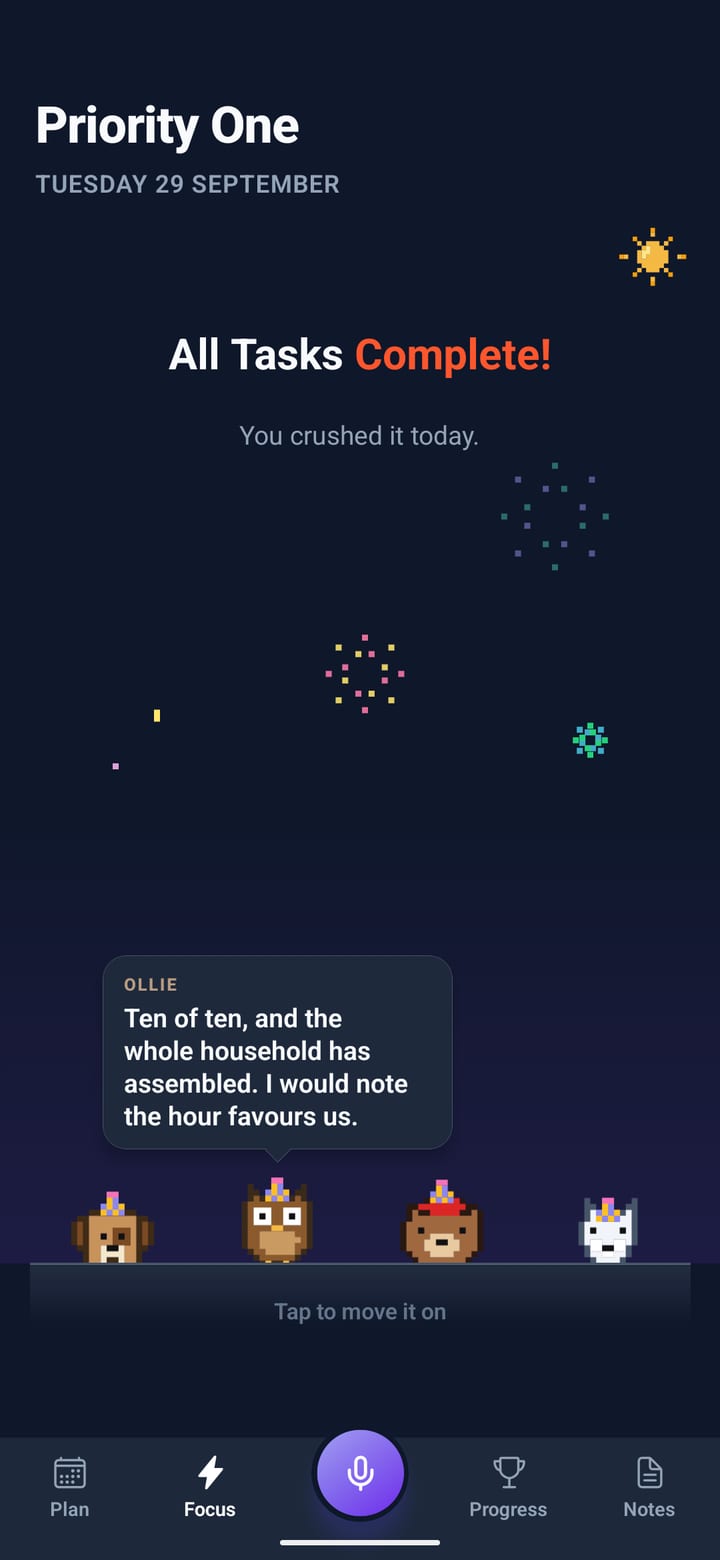
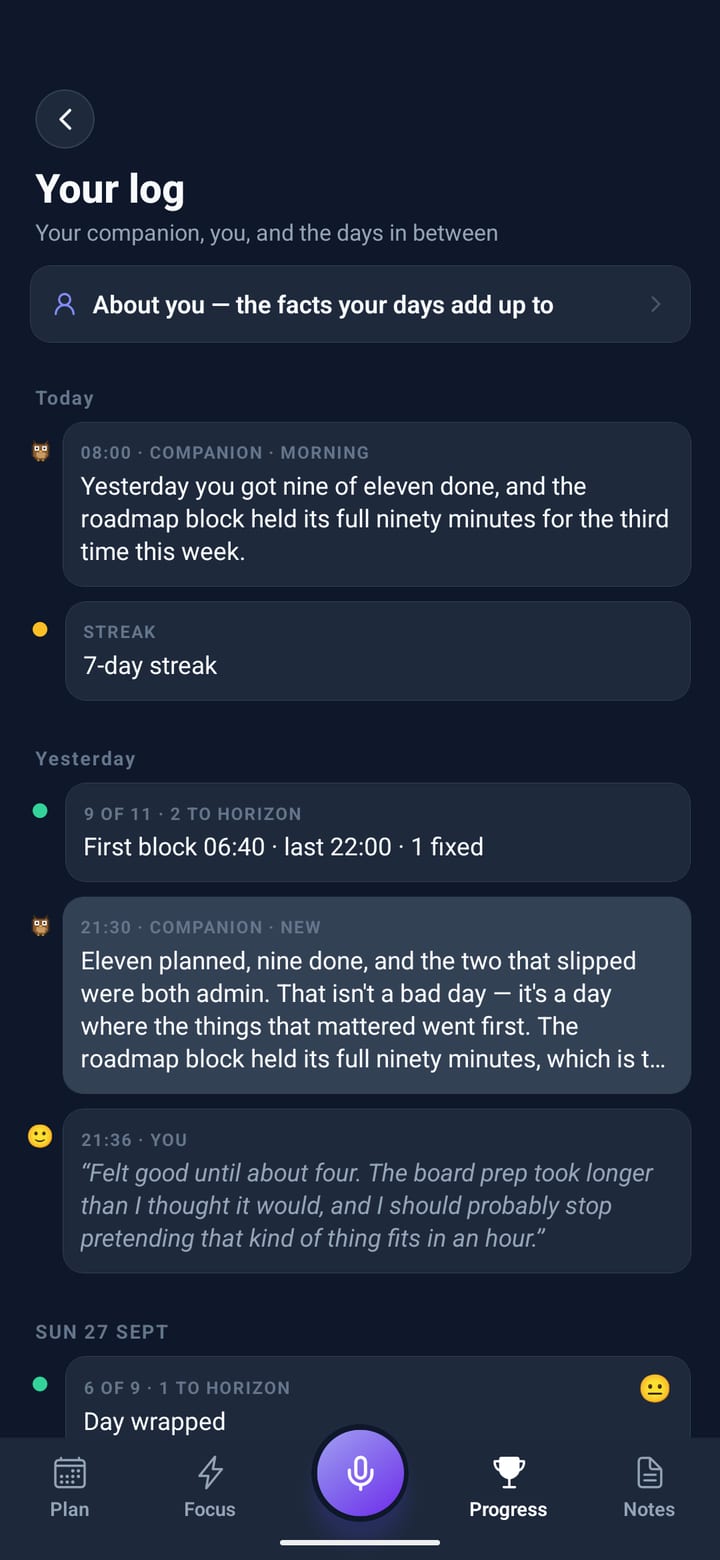
When the whole plan is done, your companions walk in under pixel fireworks in party hats and gossip about your last three days.
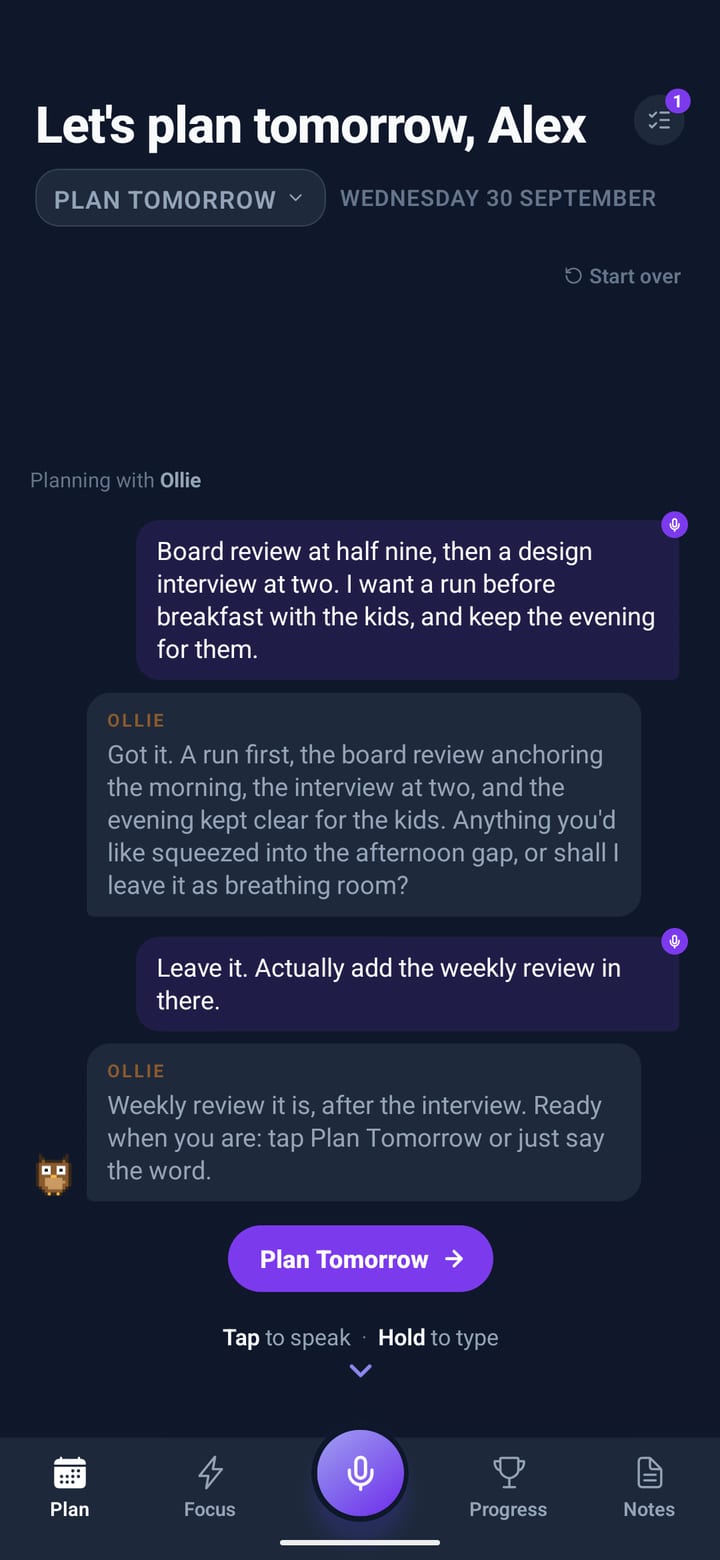
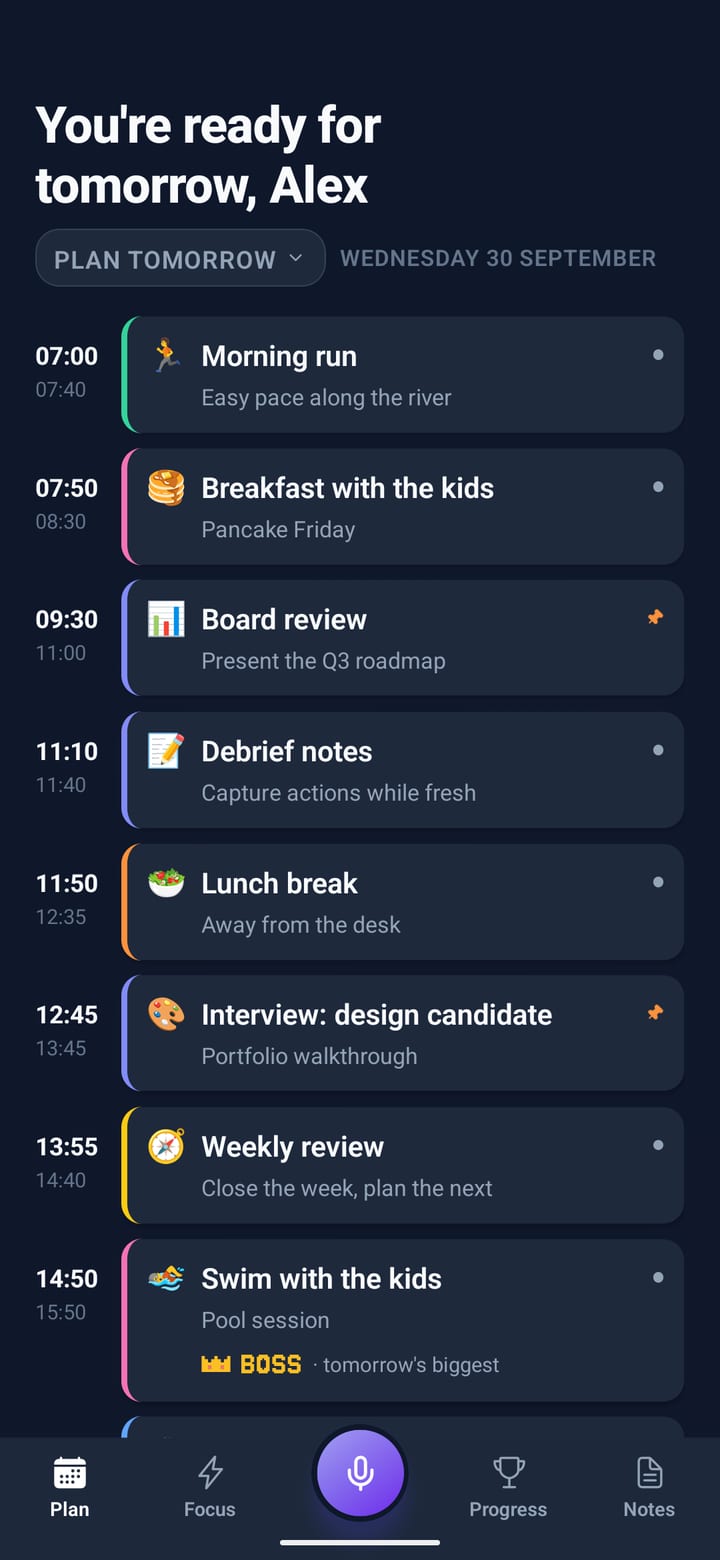
Talk tomorrow through with your companion. It asks the one question that matters, builds the day, and it’s waiting for you in the morning.
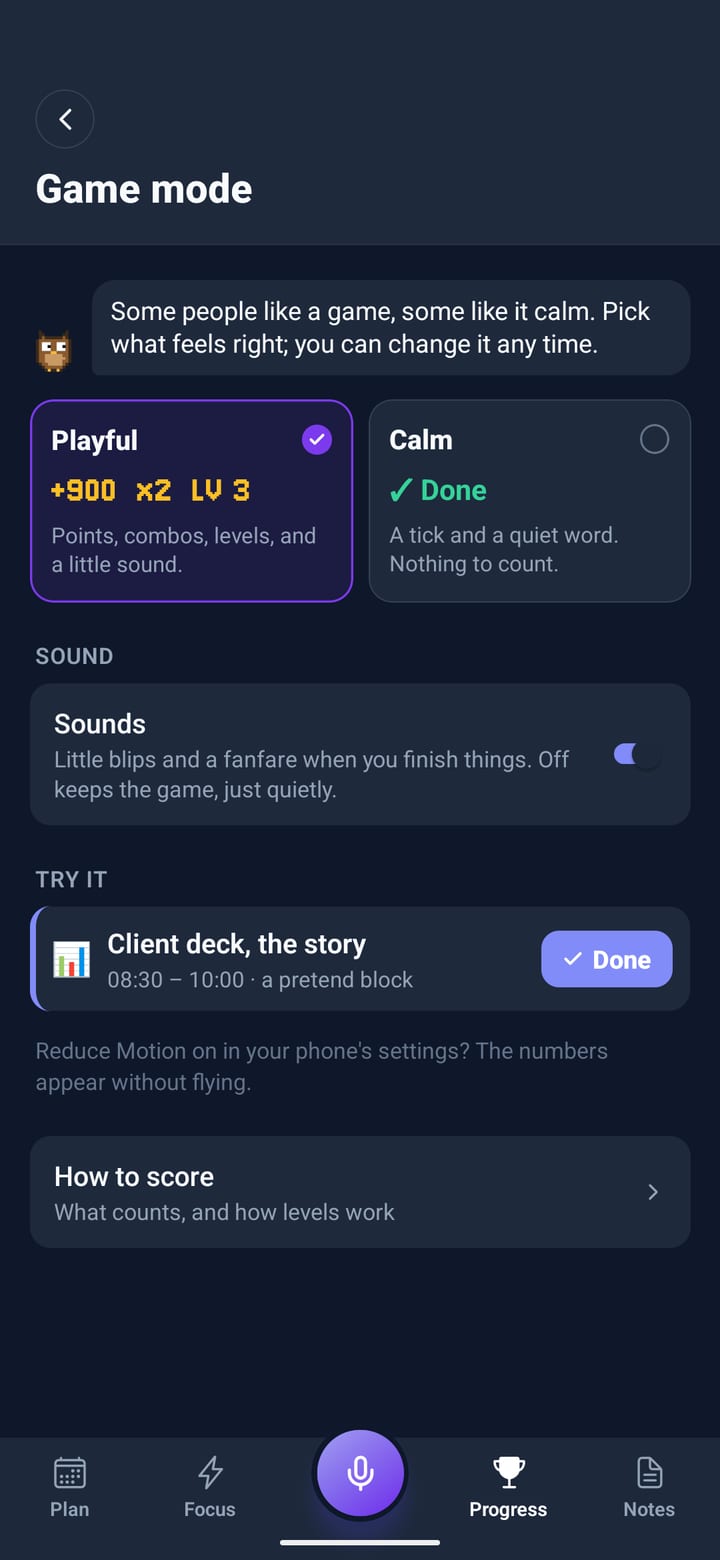
GAME MODE · TRY IT
Tick them off. Keep to the order for a combo. The biggest block is the boss: tick its steps to land hits, then Done for the K.O. Nothing you do costs you a point, and the rules are the app’s own.
GAME MODE · PLAYFUL
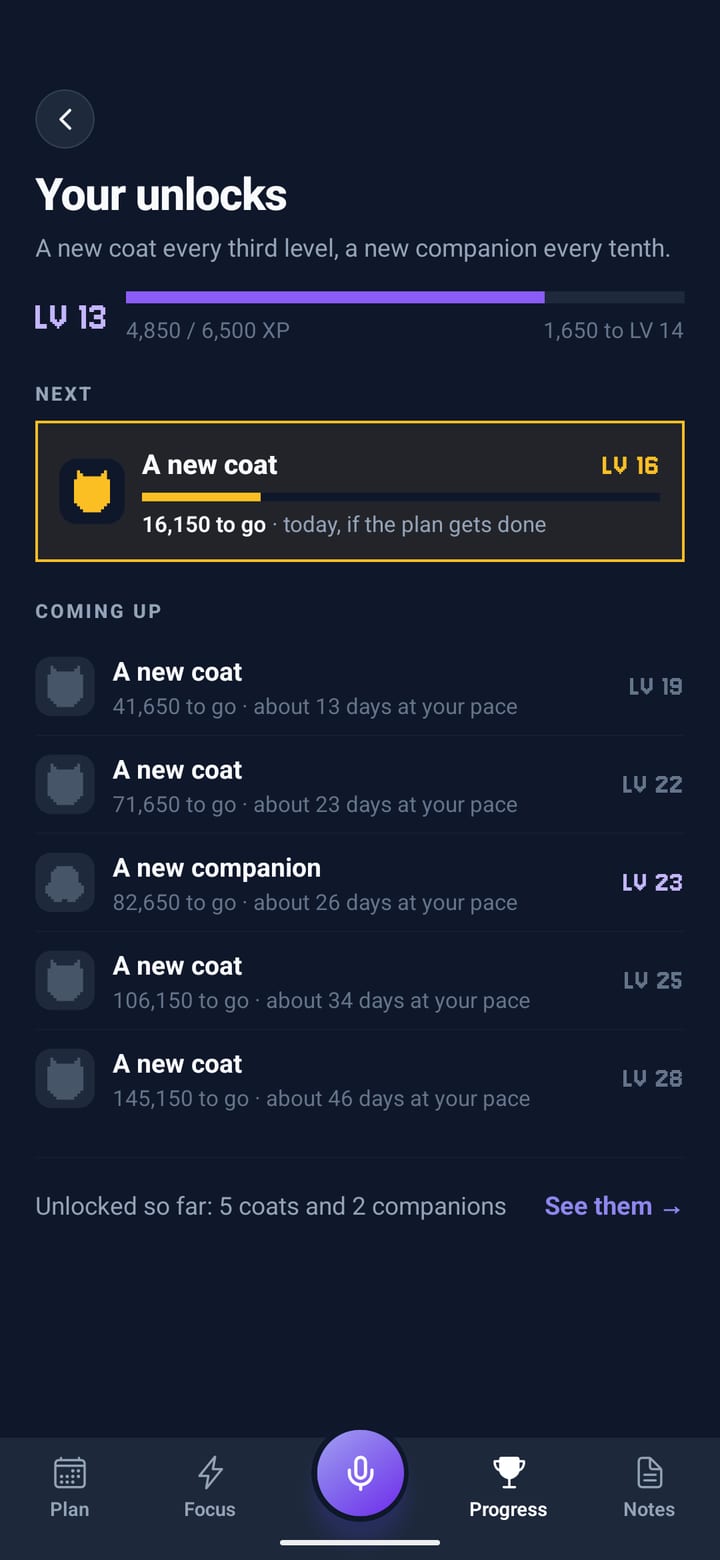
Points for every block you finish, combos for keeping to the order, a boss for the biggest job of the day, and levels that bring out new coats and companions. Nothing you do ever costs you a point.
A tick and a quiet word, with nothing to count. Switch any time in Settings, or try it on this page:
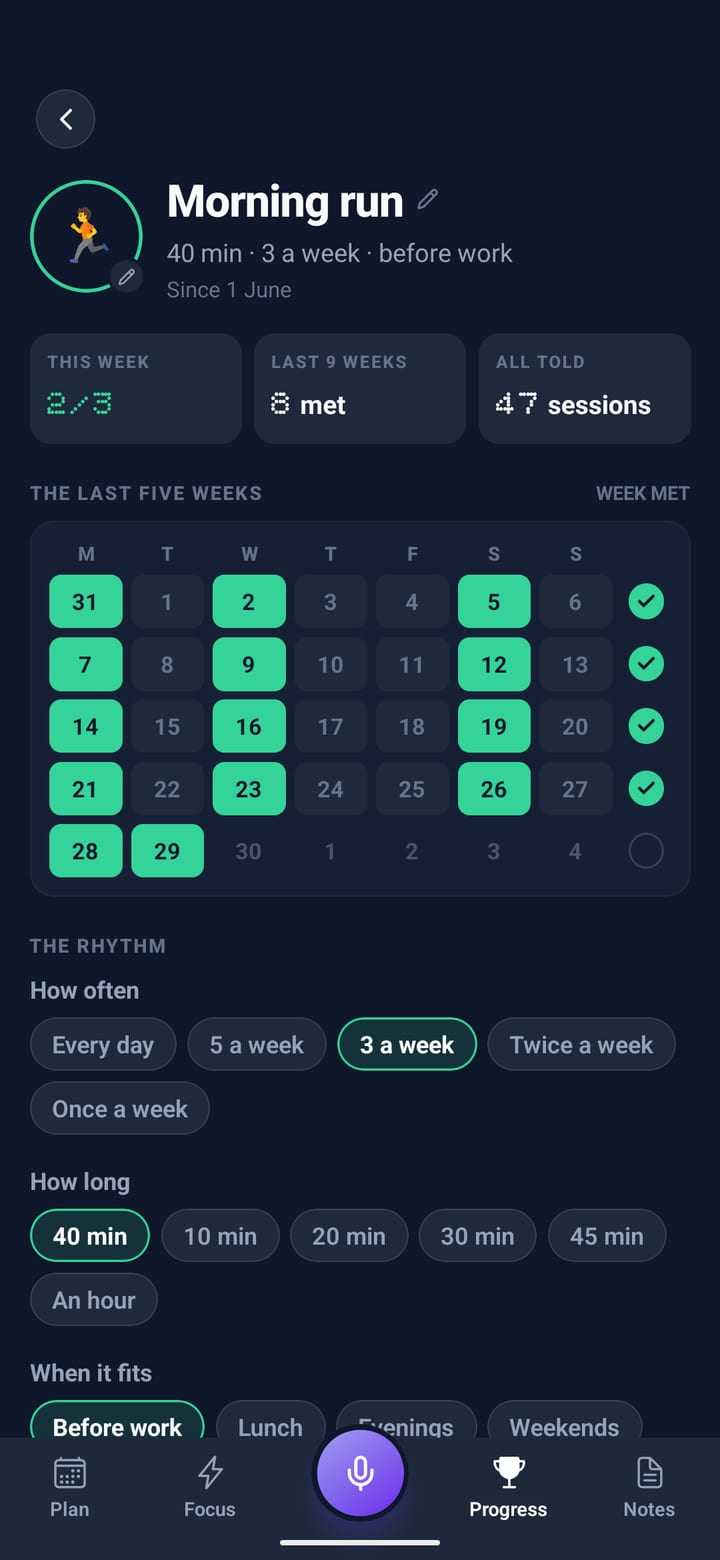
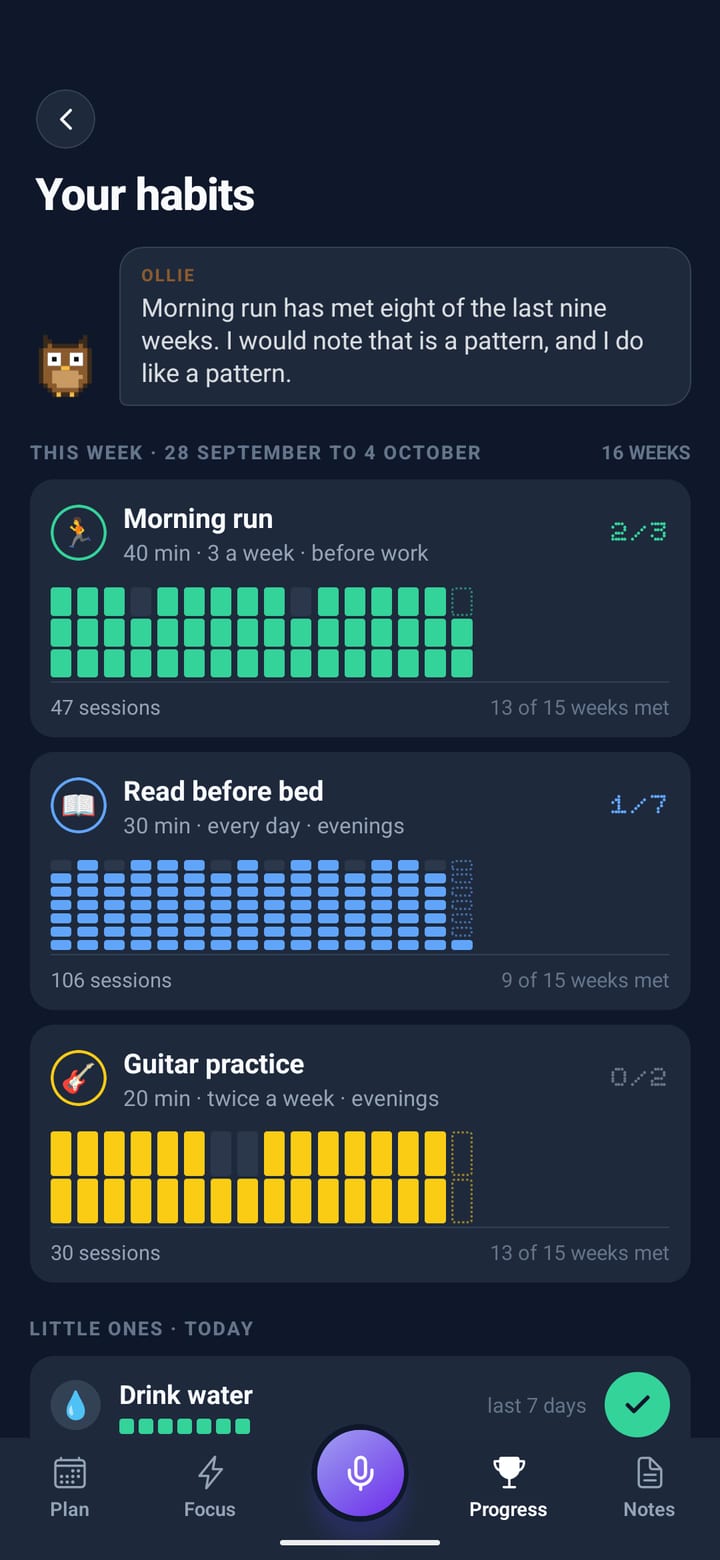
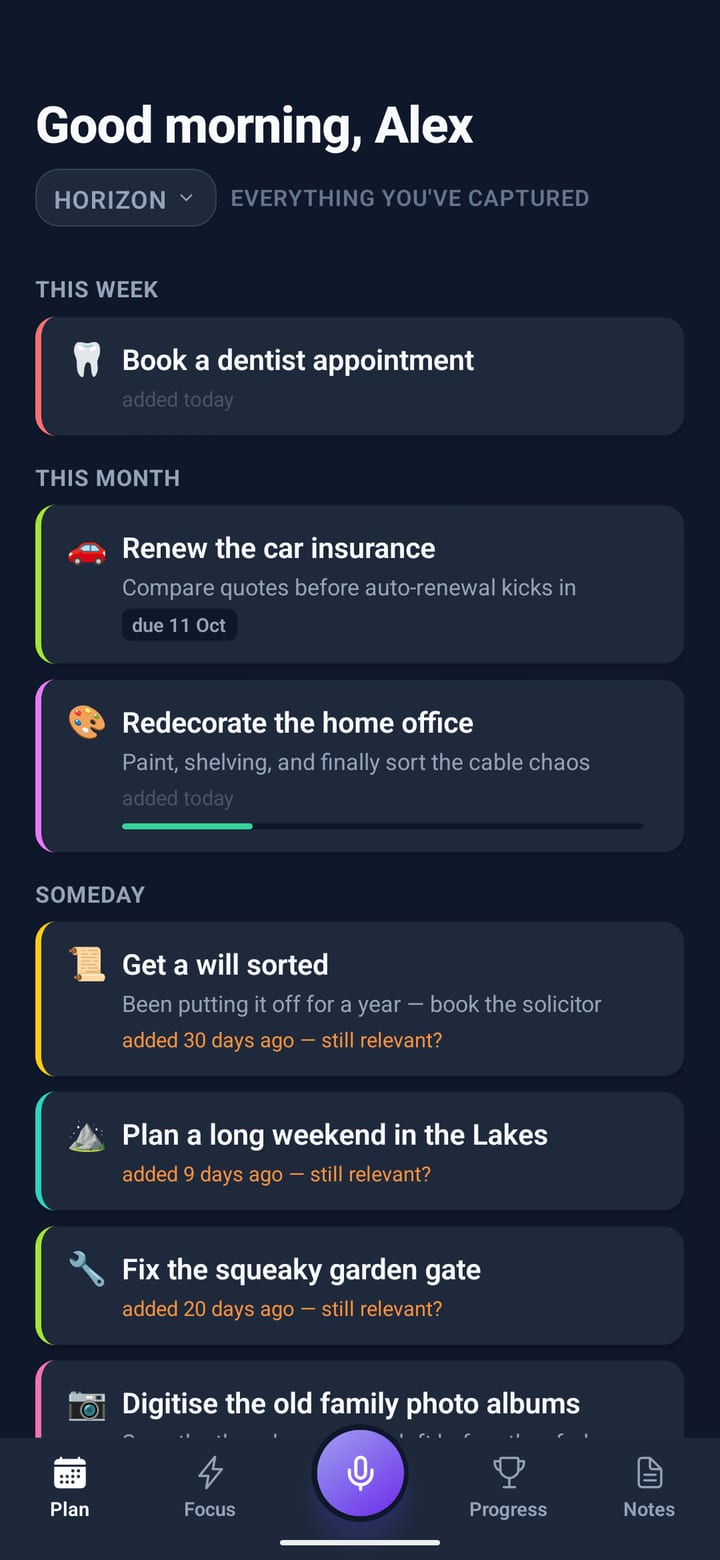
Say “run three times a week” or “read every evening”. Planned habits get a real block in their slot, the little ones wait at the top of today’s plan, and a week counts however the days fall. Scroll, and sixteen weeks fill in.
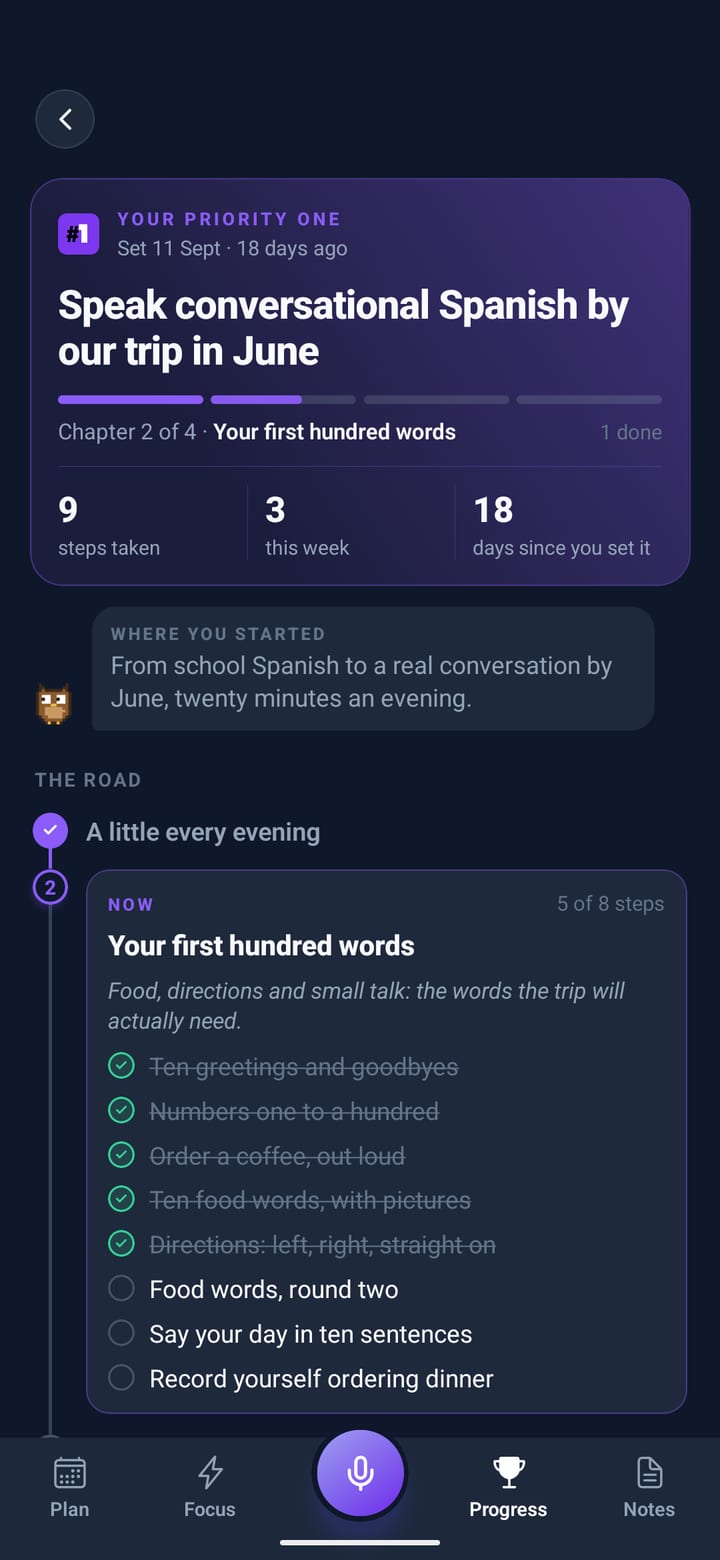
Name the thing you keep meaning to get to. Your companion draws the road in chapters and fits one small step into your day, only in the hours you give it. Tick the step and it walks the road and ticks it off there too.
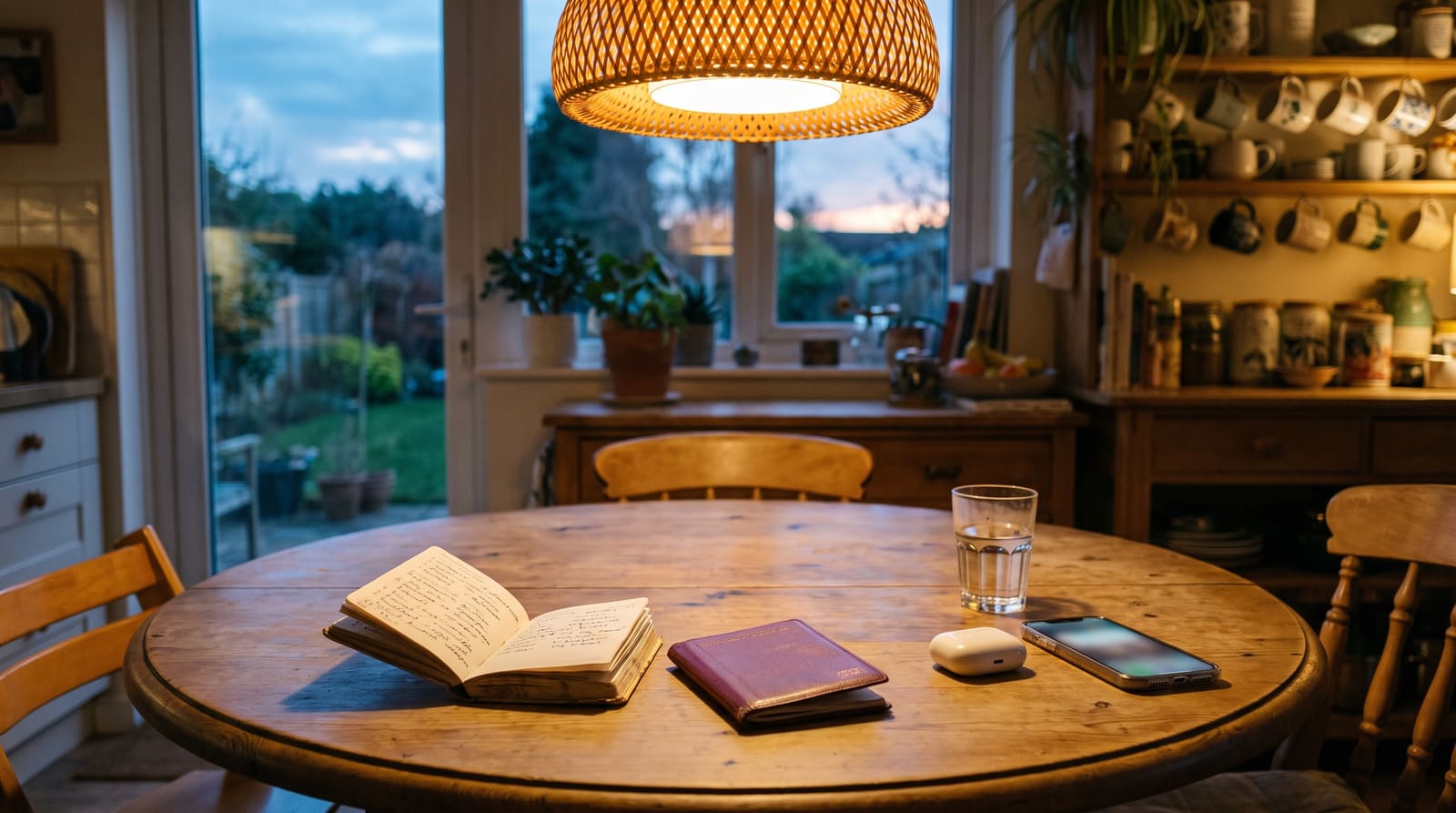
Say a note and it lands on the board as a post-it, in its colour. Say “add basil to the weekend shop” from any screen and it’s on the list. A phone number turns into Call, WhatsApp and Message.
Go on, tick something off the list.
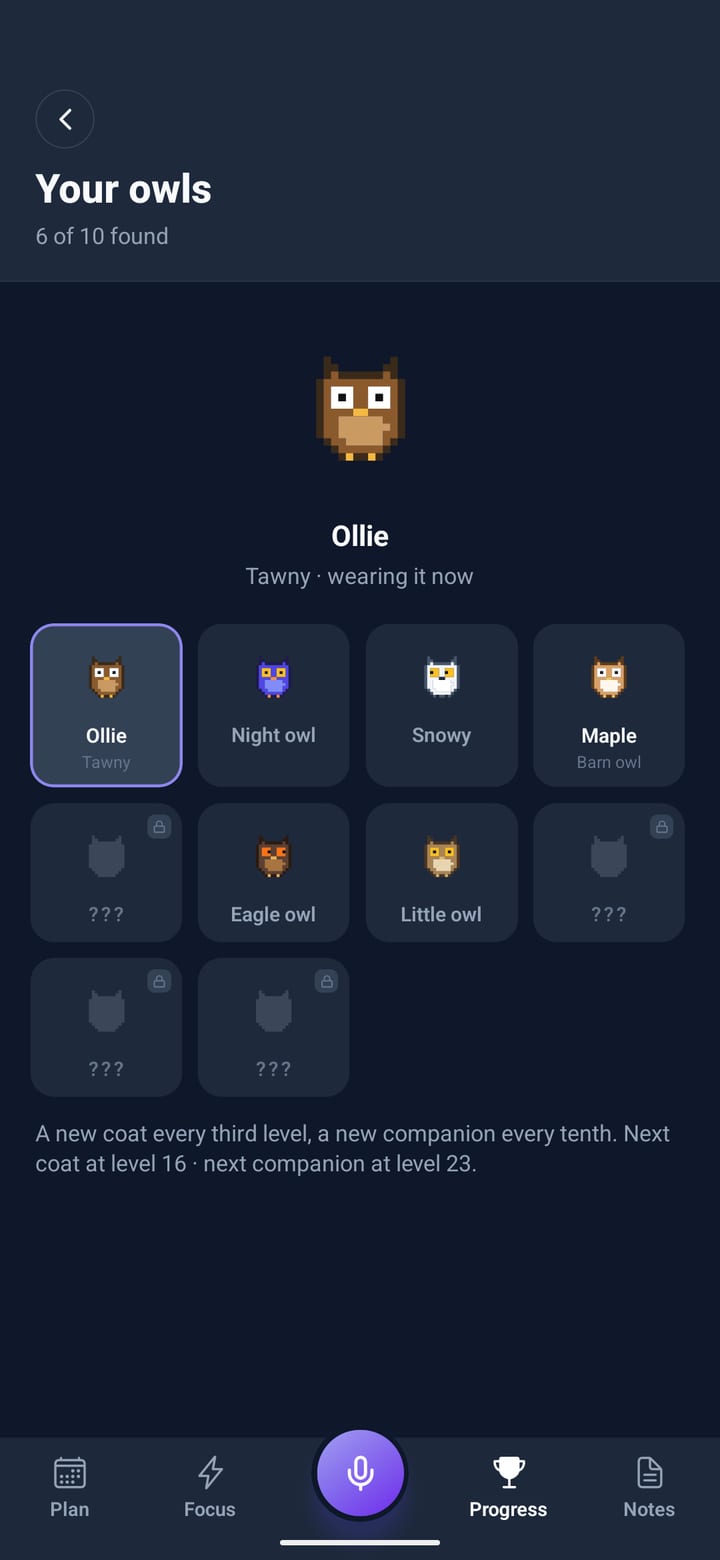
A small pixel companion plans with you, keeps you company on Focus and says something when you finish. Each one has its own voice, and levelling up brings the others out of the shadows. Pick one here and it rides the score bar for the rest of this page.
Priority One is for people with too much going on who want a better way through it.
There’s a free trial with full access. The app shows you the exact trial length and price before you commit. After the trial it’s a simple monthly or yearly subscription, and you can cancel any time in seconds. Cancel during the trial and you won’t be charged a penny.
No. Tap the mic in the centre of the tab bar and talk: tasks, meetings, worries, in any order. The AI turns it into a time-blocked plan. Hold the mic instead of tapping it whenever you’d rather type.
Tap the centre mic mid-day and say what changed. The rest of your schedule is rewritten around it, fixed commitments stay put, and your reminders move with it. Every change comes with Undo.
No. Game mode has two settings. Playful gives you points, combos, a boss and levels with a little sound. Calm gives you a tick and a quiet word, with nothing to count. Change it any time in Settings.
Yes. Say “gym three times a week” or “water every day”. Habits you plan get a block in the hours you choose, the little ones sit at the top of today’s plan for a tap, and Your habits shows every week at a glance.
Your plans, Horizon and notes live on your phone. What you say is sent through our server to an AI provider to build your plan, and our server logs keep the text of requests so we can fix problems. Your account and your Priority One goal are kept on our servers so the road to it stays up to date, and you can back up everything else if you choose. To measure our adverts, Meta is told when the app is installed and opened and when a trial or subscription starts, with device identifiers, never your plans or anything you say. We never sell your data. The privacy policy has the full detail.
You need a connection to make or change a plan (that’s where the AI lives). Once your day is planned, following it works fully offline.
Yes. Priority One is on both the App Store and Google Play, with the same features on each.
Sixty seconds from brain dump to a full day plan. Every screen on this page is from the app. Free trial included, on iPhone and Android.